Hello I'm Developer Litkey!
Today I'm here to present the ability system and projectile tests I made.
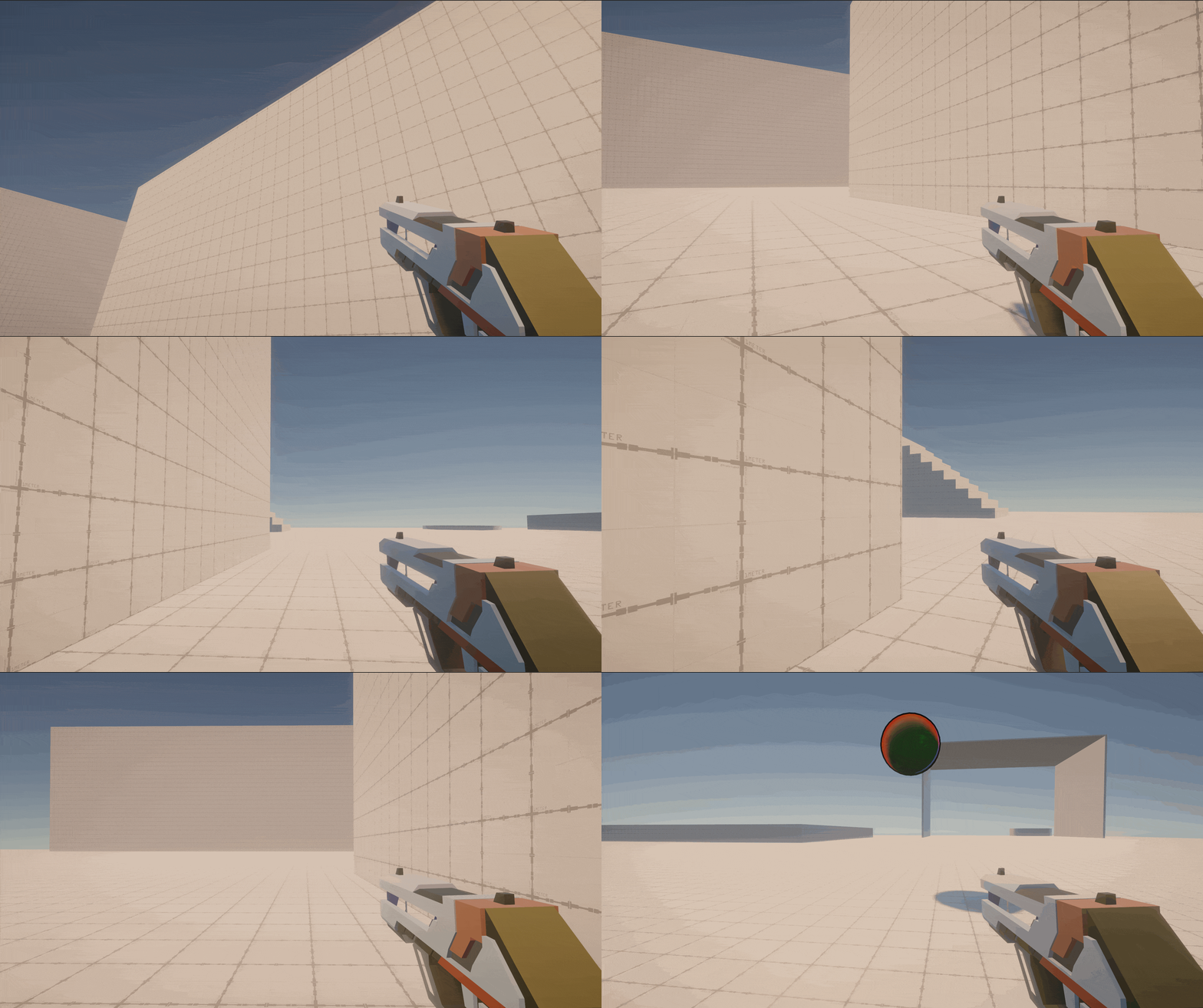
Some of the basic abilities are Slides and SuperJump.
Sliding Preview:
SuperJump Preview:

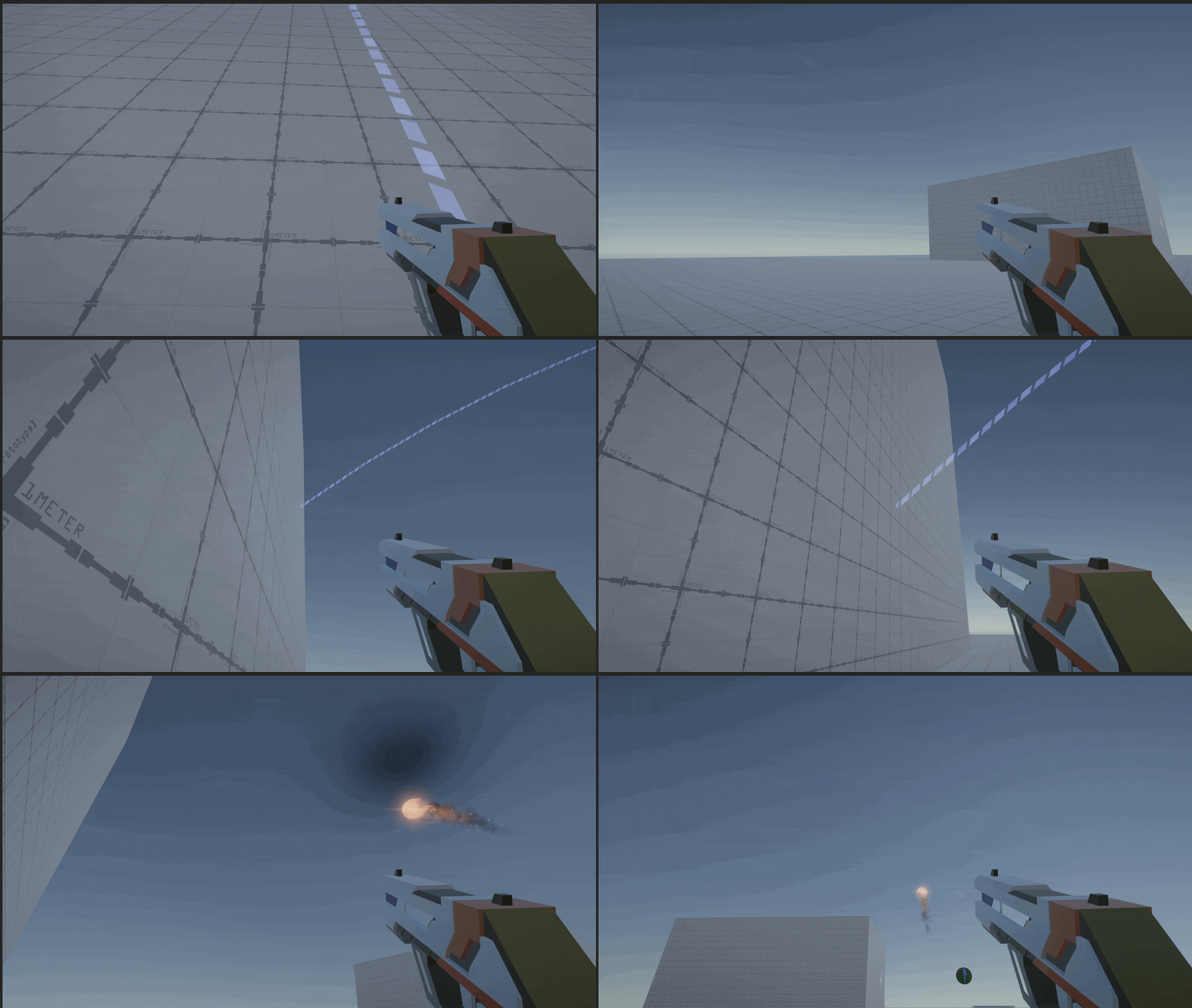
Now let me show you some interesting projectile asteroid effects

Now let's talk about actual script!
Extra:


Ability.cs
public class Ability : ScriptableObject
{
    [Header("Debug")]
    public bool showLog;

    public new string name; // ability name
    public float coolDownTime; // cooldown time for ability
    public float activeTime; // time to start cooldown after ability is activated
    [TextArea]
    public string description; // description of the ability
    public eAbilityType abilityType; // type of ability
    public KeyCode key; // ability use key

    [SerializeField]
    protected bool cantMoveWhileUsingAbility; // allows player to move while using ability
    protected bool isUsingAbility; // when player is holding on a key(charge?),

    public Ability Clone()
    {
        Ability ab = new Ability();
        ab.name = name;
        ab.coolDownTime = coolDownTime;
        ab.description = description;
        ab.abilityType = abilityType;
        ab.key = key;
        return ab;
    }
    /// <summary>
    /// Run Ability on use
    /// </summary>
    /// <param name="parent">the gameObject Ability Holder is attached to</param>
    public virtual void UseAbility(GameObject parent)
    {
        isUsingAbility = true;
        if (cantMoveWhileUsingAbility)
        {
            PlayerMovement pm = parent.GetComponent<PlayerMovement>();
            pm.canMove = false;
        }
    }

    /// <summary>
    /// When Ability ends, runs do something
    /// </summary>
    /// /// <param name="parent">the gameObject Ability Holder is attached to</param>
    public virtual void BeginCooldown(GameObject parent)
    {
        isUsingAbility = false;
        if (cantMoveWhileUsingAbility)
        {
            PlayerMovement pm = parent.GetComponent<PlayerMovement>();
            pm.canMove = true;
        }
    }

    /// <summary>
    /// callback event ran when ability starts
    /// </summary>
    /// /// <param name="parent">the gameObject Ability Holder is attached to</param>
    public virtual void OnAbilityStart(GameObject parent)
    {
        if (showLog)
        {
            Debug.Log(name + " Ability Started");
        }
    }

    /// <summary>
    /// callback event ran when ability ended
    /// </summary>
    /// /// <param name="parent">the gameObject Ability Holder is attached to</param>
    public virtual void OnAbilityEnd(GameObject parent)
    {
        if (showLog)
        {
            Debug.Log(name + " Ability Ended");
        }
    }

    /// <summary>
    /// callback event ran when player is holding a key
    /// </summary>
    /// /// <param name="parent">the gameObject Ability Holder is attached to</param>
    public virtual void OnAbilityRunning(GameObject parent)
    {
        if (showLog)
        {
            Debug.Log(name + " Ability Running");
        }
    }
}
Pros and Cons of Half Observers Pattern
Created scriptable objects for Abilities
Added delegates of Unity (UnityAction) to run events
- Could not follow the Observers Pattern exactly here because Scriptable Objects do not have Update functionality.
So Had AbilityHolder.cs to contain Ability and make Ability Subscribe to AbiliyHolder.cs.
Pros:
- Can easily make multiple abilities
- Can have less number of dependencies
Cons:
- Could be hard to adjust different types of abilities into one AbilityHolder so it needs multiple AbilityHolders for multiple Abilities to be used
AbilityHolder.cs
public class AbilityHolder : MonoBehaviour
{
    public Ability ability;
    float cooldownTime;
    float activeTime;
    bool isActive = false;
    enum AbilityState
    {
        ready, // when ability gets ready, no cooldown
        active, // when ability is playing
        cooldown // when ability is in used, waiting to be active
    }
    AbilityState state = AbilityState.ready;

    public UnityAction<GameObject> OnAbilityStart; // event that runs on Ability Start
    public UnityAction<GameObject> OnAbilityRunning; // event that runs while abiilty is active, runs once if it is immediate ability
    public UnityAction<GameObject> OnAbilityEnd; // event that runs on Ability Start

    public void OnEnable()
    {
        OnAbilityStart += ability.OnAbilityStart;
        OnAbilityRunning += ability.OnAbilityRunning;
        OnAbilityEnd += ability.OnAbilityEnd;
    }

    private void OnDisable()
    {
        OnAbilityStart -= ability.OnAbilityStart;
        OnAbilityRunning -= ability.OnAbilityRunning;
        OnAbilityEnd -= ability.OnAbilityEnd;
    }

    void Update()
    {
        // takes care of cooldown of the ability
        switch(state)
        {
            case AbilityState.ready:
                if (Input.GetKeyDown(ability.key) && !isActive)
                {
                    OnAbilityStart?.Invoke(gameObject);
                    ability.UseAbility(gameObject);
                    state = AbilityState.active;
                    activeTime = ability.activeTime;
                    isActive = true;

                }
                break;
            case AbilityState.active:
                if (activeTime > 0)
                {
                    activeTime -= Time.deltaTime;
                    OnAbilityRunning?.Invoke(gameObject);
                    if (Input.GetKeyUp(ability.key)) // ends active time
                    {
                        TurnSkillOff();
                    }
                }
                else
                {
                    TurnSkillOff();
                }
                break;
            case AbilityState.cooldown:
                if (cooldownTime > 0)
                {
                    cooldownTime -= Time.deltaTime;
                } else
                {
                    state = AbilityState.ready;
                }
                break;
        }
    }
    // Disactivate the skill and run cooldown and set active time to 0
    private void TurnSkillOff()
    {
        activeTime = 0f;
        isActive = false;
        ability.BeginCooldown(gameObject);
        state = AbilityState.cooldown;
        cooldownTime = ability.coolDownTime;
        OnAbilityEnd?.Invoke(gameObject);
    }
}
Things that can be fixed:
I do feel that BeginCooldown is redundant with OnAbilityStart event.
I can probably make BeginCooldown to actually run cooldown itself.
Thank you for watching!
'Game Devlog' 카테고리의 다른 글
| [Devlog] Lobby, MatchMaking, and Relay server (0) | 2022.10.20 |
|---|---|
| [Devlog] - 10/2/22 VolleyShot (Unity3D) (0) | 2022.10.03 |
| [Devlog] - 08/13/22 Inventory, LootTable, Scriptable Objects (0) | 2022.08.13 |